Loading post
The One Box
2026-08-11
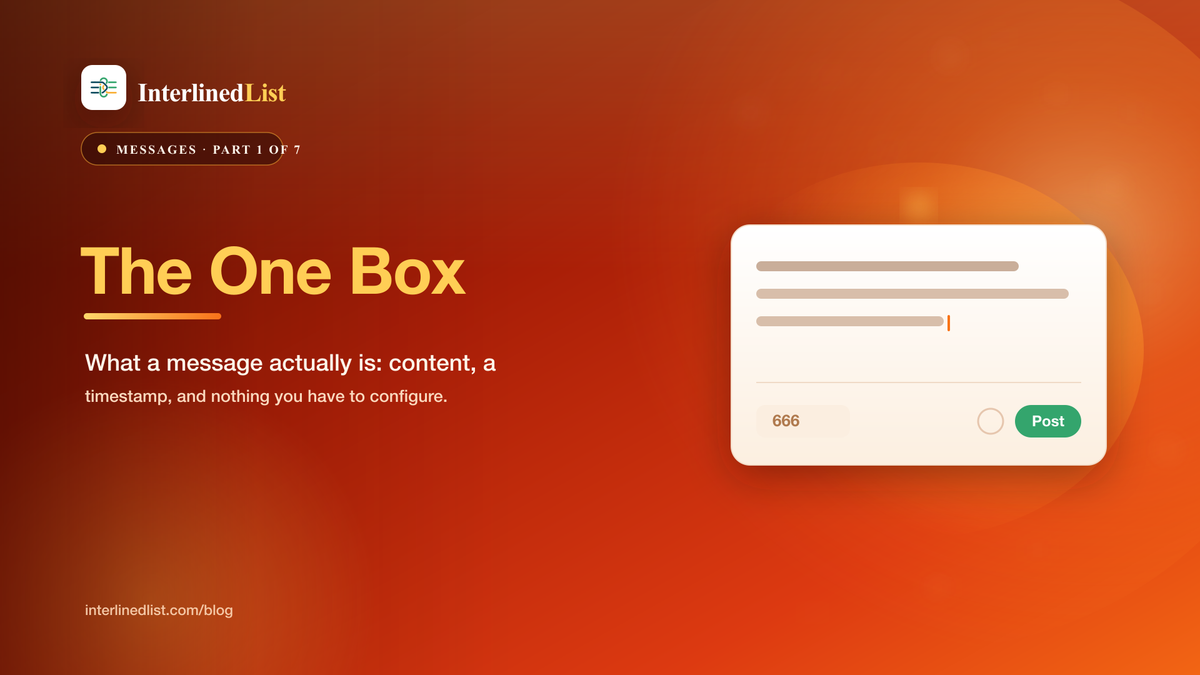
The InterlinedList message composer: a single text area with a character counter and a Public checkbox, sitting at the top of the feed
The whole feature, more or less. A box, a counter, a checkbox.
Part 1 of 7: A Field Guide to Messages
I want to start a series about the key features in InterlinedList, so of course I am starting with the glamorous one /s. Messages. The box at the top of the feed where you type a thing and hit post. No schema to design, no folder to file it in, no template to pick. You type, you post, it is stamped with the time, and it drops onto your timeline.
That is the entire pitch, and I think the plainness is the point. Lists make you think about columns. Documents make you think about structure. The message box makes you think about the thing you actually wanted to say, and nothing else. It is the lowest-friction way to get a thought out of your head and into a place you can find it later.
What a message actually is
Strip away the UI and a message is three fields. There is the content, which is your text. There is createdAt, the timestamp the system stamps on it the moment you post. And there is one boolean, publiclyVisible, that decides whether anyone but you can see it.
That is it. Everything else in this series (replies, reactions, reposts, cross-posting to four networks, scheduling) hangs off those three fields. But the core object is almost aggressively simple, and you can go a long way using nothing but the first two.
One detail worth saying out loud early, because half of this series depends on it: a new post is private by default. The Public checkbox in the composer starts unchecked. In the database, defaultPubliclyVisible is set to false, so unless you flip the switch, the thing you just typed is visible to exactly one person. You. I have watched people assume the opposite and hesitate before posting, so let me put it plainly: typing in this box is not broadcasting. It is writing something down.
Plain text, and the things it quietly does
Messages are plain text. The feed does not render Markdown, so you will not get bold headers and bulleted lists inside a post (that is what Documents and Lists long-text fields are for). What you do get, for free, is auto-linking: paste a URL and it becomes a clickable link, type an @username and it becomes a mention. Drop a link and the app fetches the page's preview card so your post shows a title and image instead of a naked address.
A posted message showing an auto-linked URL that expanded into a preview card with title, description, and thumbnail
Paste a link, get a preview card. No formatting required.
There is a character counter under the box. The default ceiling is 666 characters, which is enough for a real thought and short enough to keep you honest. Subscribers get a higher limit for longer posts, but the free ceiling is not a trial-sized tease. It is a normal micro-blog length.
Why I keep coming back to it
Here is the honest reason this is post number one. I have built a lot of structure into this product, and structure has a cost: it asks you to decide where a thing goes before you have finished thinking about it. The message box asks for none of that. It is the catch-all. It is where a thought lands when it is not yet a document, not yet a list row, not yet anything except a thing I do not want to lose.
And because every message carries a timestamp and lands on a timeline, the pile is never just a pile. It is ordered. That ordering turns out to be the sneaky-powerful part, and it is where the next few posts go: using this box as a private scratchpad, then as a time machine you can read backward, then as the front of a public feed, and eventually as the single place you write before a post fans out across the internet.
Next up, the quietest use of all: treating the box as the scratchpad you already have and never share.
Share this post
Subscribe for new postsSubscribe via RSS
We'll email you a summary and link when a new post goes live. Confirm via the email we send.